Are your Meta ads making money?
The question is simple: are you keeping more than you're spending?
Are your Meta ads making money?
Your ads make money only when you keep more on the orders than you spend on the ads. Meta shows the spend. Shopify shows the orders and your real costs: product, discounts, returns, and shipping. You need both to see what's left.
This is the quick setup guide. Go deeper in Make money on every order, where we break down every number.
Where To Start
The Goal Editor works out what you can afford to pay for a sale, from one offer's economics. An offer might be a single product or a bundle, and deciding which is part of the work. It can hold several offers, so start with the one you want to scale:
| Value | What it is |
|---|---|
| Profit per Order | Your budget to win a sale: what's left after costs, before you pay for ads. |
| CPP (cost per purchase) | What you actually pay Meta to win a sale. |
| Contribution Margin | What's left after ads. Positive means the offer pays. |
As long as what you pay to win a sale stays under your Profit per Order, every order makes money. Once it climbs above, every order loses money, even when the ad dashboard looks fine.
Set It Up In About 10 Minutes
The model hangs on one number: your Profit per Order is the budget you have to win a sale. The setup is about finding the store and Meta performance that keeps your real cost of a sale under that budget.
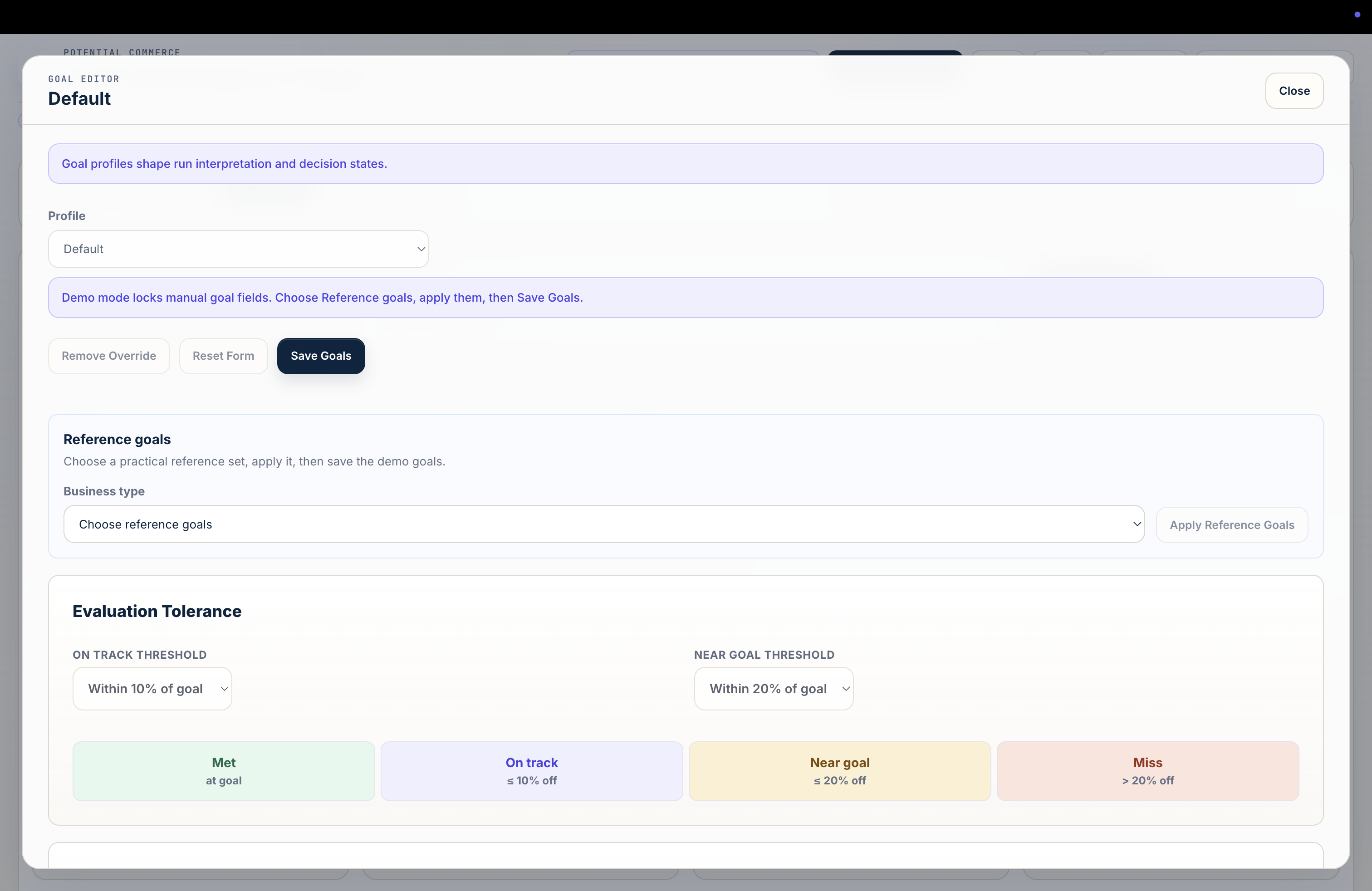
The whole setup lives in the Goal Editor. To open it, start on your Ads Performance Center dashboard, click Goals Logic, then Edit Goals on the next screen.


-
Pick one offer. A single product or a bundle you want to grow. Just one to start.
-
Find your budget per sale. Fill in your Profit Assumptions for that offer (most of these you already know):
- What you charge for it.
- What it costs you to make, pack, ship, and process the payment.
- The rates that move (returns and discounts), from recent Shopify data or from Reference goals in the Goal Editor.
The Profit per Order it returns is the most you can pay to win a sale and still come out ahead. If it's tiny or negative, pause here: that's a pricing or cost problem ads can't fix.
-
Find the targets that fit the budget. Set your store and Meta targets:
- Store performance: add-to-cart rate and checkout rate, which together set your click-to-order conversion.
- Meta performance: CPM, CTR, your conversion rate (it should match your funnel), and a target for orders per day.
The model uses these to work out your CPP, plus your spend and volume for the month. Adjust until your CPP lands under your Profit per Order, and that combination is the targets you need to hit. Not sure what's realistic? Apply Reference goals in the Goal Editor (or a Store Type on the Connections tab).
-
Run it. Leave Evaluation Tolerance on its defaults, save, and give it two to four weeks. Then compare what actually happened against the plan and adjust.